
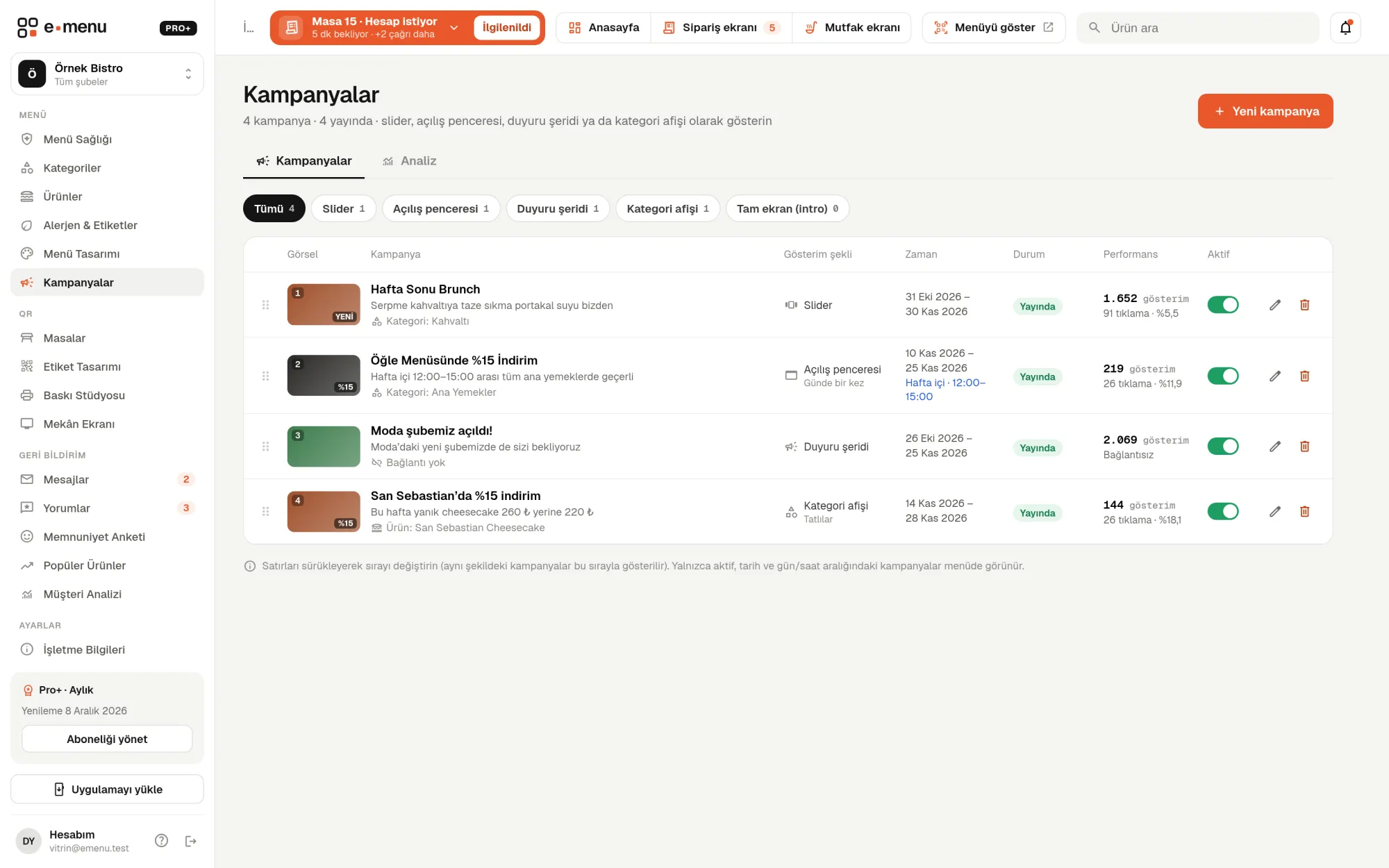
Five display types
For each campaign, you choose how it appears on the menu. You set the order of campaigns of the same type by dragging them in the list. For the pop-up and the full-screen splash, you choose a frequency: every visit, once a day or just once. If you want, the full-screen splash closes by itself after 3, 5 or 8 seconds; guests can always go to the menu with “Skip”.
- checkSlider: a rotating image banner at the top of the home page
- checkPop-up: a window that appears in the center when the menu opens
- checkAnnouncement bar: a thin, dismissible bar on the home page; doesn’t use an image
- checkCategory banner: at the top of the products in the category you choose
- checkFull-screen splash: a vertical image covering the whole screen as the menu opens